bd268 App: the whole lobby, installed on your phone
The bd268 app is a 28 MB Android package with the slots, fishing arcades, live tables and cricket markets you already play in the browser. Download the APK, install it once, and open it from your home screen with the same account.
No store account needed and nothing stays on the phone if you remove it later. Scan the QR code further down this page to open the same download on a second phone.
18+ · Play Responsibly
File on this page
- Name
- bd268.apk
- Size
- 28 MB
- Version
- 3.5.3
- Android
- 8.0+
- Price
- Free
What you get in 28 MB
The package is small on purpose. Game art loads once and stays cached, so your second session on the same connection starts faster than the mobile browser does.
-
One tap from the home screen
The bd268 icon opens straight into the lobby. No address bar, no retyping the site name while a match is about to start.
-
A bet slip that follows you
Add a cricket or football pick, keep scrolling the markets, and the slip stays on screen with your stake and the possible return.
-
Cashier built in
bKash, Nagad, Rocket, Upay and bank transfer sit on one screen. Deposits usually arrive in about 3 minutes without opening a browser tab.
-
Updates you control
The app does not update in the background. You install a new APK when you want one, so nothing changes halfway through a session.
Permissions and safety: what the file touches
An APK is a normal Android install file. What matters is where it came from and what it asks for. Here is exactly what the bd268 app requests and what stays untouched.
It comes from one address
bd268.lat is the only place the file is published. The name is bd268.apk and the size is 28 MB, so a different file name or a package that is much larger is not ours. Skip download links that arrive by message, even if they look familiar.
Storage and network only
Android asks for storage access to save the package and cache game art, plus network access to reach the servers. Notifications are optional and you can refuse them. The app does not request your contacts, SMS inbox, call log or location at any point.
Your login does not change
Use the same username and password as the website. The app keeps a session token on the phone, and Log out or Clear data removes it. Nobody from support will ever ask for your one-time code, in the app, on chat or by phone.
Money uses the normal cashier
Deposits and withdrawals still run through bKash, Nagad, Rocket, Upay or bank transfer, with the wallet name matched to your bd268 profile. The app never opens a separate screen that asks for a wallet PIN or card PIN outside the payment flow.
Android install in five steps
The whole install takes about two minutes on a phone that already has a browser. Keep the phone charged and stay on Wi-Fi if your mobile data is limited.
-
1
Allow installs from your browser
Open Settings, then Apps, then your browser, and switch on Install unknown apps. Android asks this once per app that downloads files. You can turn it off again after installing.
-
2
Download the APK
Tap Download APK on this page. The file is bd268.apk and it is 28 MB, so a steady Wi-Fi or 4G connection saves time. Nothing installs by itself at this stage.
-
3
Open the file and confirm
Pull down the notification shade and tap bd268.apk, or open Files and then Downloads. Android shows the permission list and an unknown source warning. Read it, then tap Install.
-
4
Wait for the scan
Play Protect scans the package, which takes a few seconds on most phones. Keep the screen awake until App installed appears. If the scan finds nothing, tap Open to start the app.
-
5
Sign in and set your limits
Use the same bd268 login as the website, or create an account inside the app. Then set a deposit limit and check that your bKash or Nagad number matches the one on your profile.
iPhone and iPad: add bd268 to your home screen
iOS does not open APK files. Use the browser shortcut instead; it behaves like an app icon.
- Open Safari and go to bd268.lat. Chrome on iOS cannot add a home screen shortcut, so use Safari even if you normally browse in another browser.
- Tap the share button in the toolbar, scroll the list, then tap Add to Home Screen.
- Name the shortcut bd268 and tap Add. The icon sits with your other apps and opens the mobile lobby without the address bar.
- Sign in once. Safari keeps the session, so the shortcut lands on the lobby until you log out or clear website data.
What can you play inside the app?
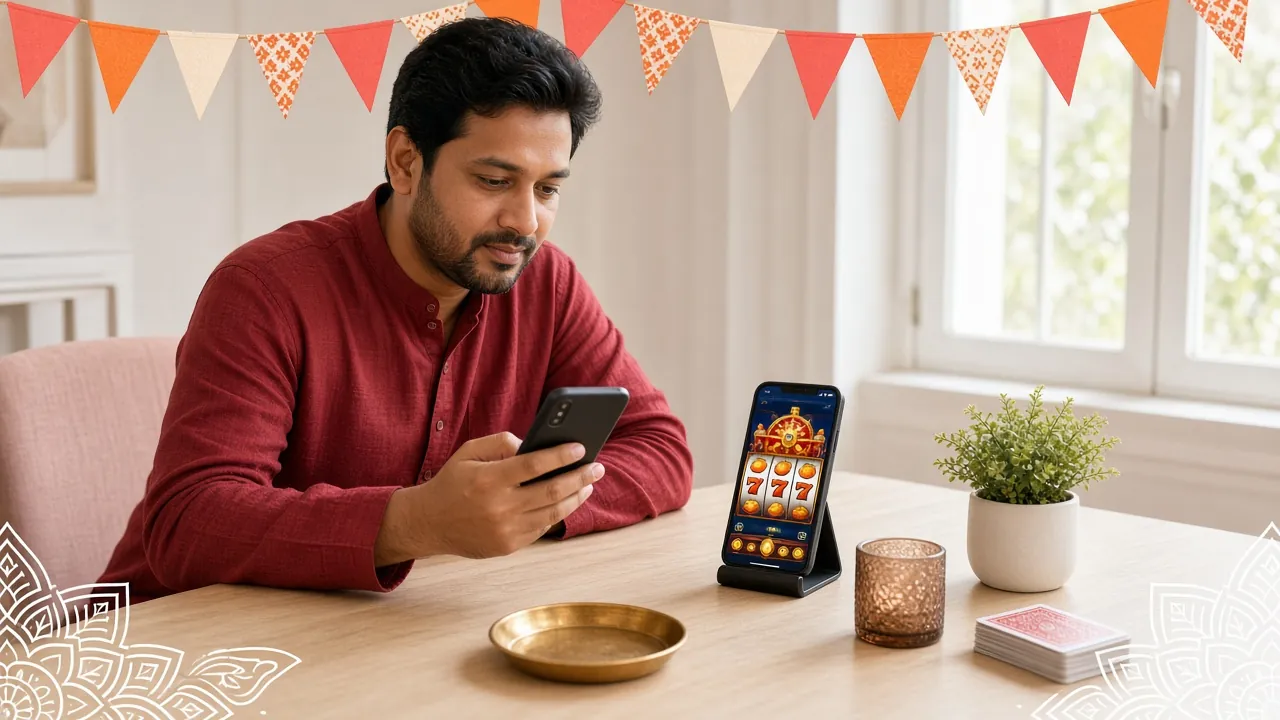
The app opens on the same lobby as the website: around 2,000 titles from Red Tiger, Habanero, Spribe, Playtech, Sexy Gaming and Ezugi. The two cards below show how a tile behaves on a phone screen, with real stakes and return figures.


Slots from six studios
Fortune Tree, Rise of Apollo, Dragon Hatch and the rest of the lobby open in portrait without pinching. Reels keep their spin speed, and the balance line stays visible above the buttons.
Fishing sized for thumbs
Pirate Fishing and Jackpot Fishing put the fire button within reach of one hand. Shot value sits beside it, so you can drop to a smaller bet without leaving the round.
Live tables that hold up on 4G
Ezugi and Sexy Gaming dealer rooms start at a lower bitrate and switch to HD when you ask. On a crowded network, keep standard quality and turn the video off between hands.
Crash rounds in minutes
Spribe crash games run short rounds, which suits a tea break. Your last results stay in the app, so you can look back at the previous rounds before you place the next one.
Cricket and football markets
Pre-match and in-play markets cover BPL, international cricket and the main European leagues. The bet slip floats over the page, so you can watch the match while the stake is set.
Cashier without the browser
Deposits and withdrawals with bKash, Nagad, Rocket, Upay or bank transfer happen inside the app. Most deposits land in about 3 minutes and withdrawals clear in around 27 minutes.
App or browser: which one fits your day?
Both versions use one account and one wallet, so the choice is about the device, not the features. The table shows where each one is stronger.
| What you compare | Android app | Mobile browser |
|---|---|---|
| Getting started | Install once, 28 MB, then tap the icon | Nothing to install, open bd268.lat |
| Repeat visits | Artwork is cached, so the lobby opens faster | Loads more of the page again on each visit |
| Games and stakes | Around 2,000 titles from six studios | Around 2,000 titles from six studios |
| Cashier | bKash, Nagad, Rocket, Upay, bank transfer | bKash, Nagad, Rocket, Upay, bank transfer |
| Bet slip | Floats over the page while you scroll | Opens in a side panel or a new view |
| Notifications | Optional alerts for deposits and match starts | None, unless you keep a tab open |
| Updates | You install the new APK when it suits you | Happens automatically with the site |
| Best for | Daily play on a phone over 4G Most players | Long sessions on a laptop or tablet |
If you mostly play in the evening on a phone, install the app and keep the browser for account work. Your balance, bonus progress and VIP turnover show the same figure in both places, so switching does not cost you anything.
Version, size and system requirements
Everything below comes from the current build. Check the version number here before you install, because an old file left in your Downloads folder will not show the newest games.
| Version | 3.5.3 |
|---|---|
| File name | bd268.apk |
| File size | 28 MB |
| Minimum Android | 8.0 |
| Last updated | 11 November 2026 |
| Price | Free |
| Languages | English and Bangla |
| Download from | bd268.lat only |
What your phone needs
- Android 8.0 or newer, with a normal stable connection
- Free space for the 28 MB file plus room for the game cache
- A bKash, Nagad, Rocket or Upay number in your own name
- English or Bangla interface, chosen on first launch
Install failed? Five fixes that usually work
Most failed installs come from one of the five causes below. Work down the list before you download the file again, because a second copy rarely helps on its own.
| What you see | Why it happens | What to do |
|---|---|---|
| App not installed | An older bd268 build is still on the phone, or the download stopped halfway | Uninstall the old app, delete bd268.apk from Downloads, download it again and install. Do not rename the file. |
| Play Protect blocks the install | The scanner does not recognise a package that came from outside the Play Store | Tap More details, then Install anyway. Only continue when the name is bd268.apk and the size matches the table above. |
| Browser warns the file may be harmful | Chrome and Firefox flag every APK download by default | Open Downloads, tap the file and confirm the prompt. The warning is about the file type, not about this app. |
| Install button is greyed out | Unknown apps is off for the browser you used, or storage is full | Go to Settings, Apps, your browser, Install unknown apps and allow it. Free some space, then open the file again. |
| App opens and closes straight away | Android is older than 8.0, or a cache was left from an interrupted install | Check Settings, About phone for the Android version. On 8.0 or newer, clear the app cache, restart and open it again. |
Still stuck? Live chat runs 24/7 and can check whether the file reached you completely. Tell the agent your phone model, the Android version and the exact message you see on screen.
Before you install: quick answers
Short answers to the things players ask most often about the bd268 app file, the install and the first login.